Plustek PS186 Desktop Document Scanner, with 50-Pages Auto Document Feeder (ADF). for Windows 7/8 / 10/11 (Intel/AMD only)
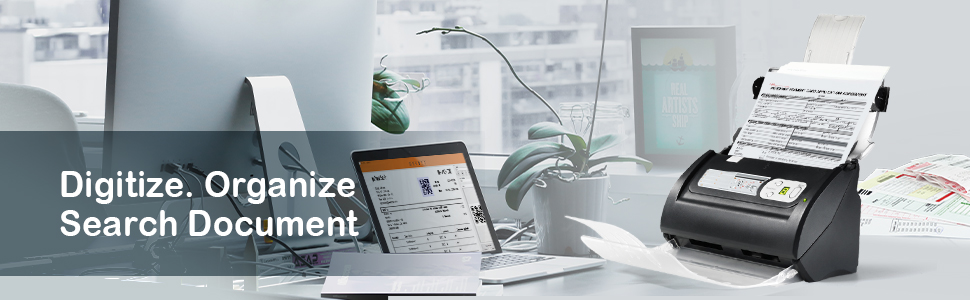
Engineered for Ultimate Simplicity- One Button to Complete All Works

Smart Clipboard
Features smart clipboard, you can crop any text or image directly from the scanned image. It can be used when you only need part of the document, and quickly re-use the content/image.

Built-in OCR
Plustek integrates OCR technology that recognizes the text in your documents and generate TXT and searchable PDF
automatically after scanning.
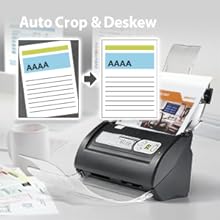
Auto Image Optimization
Auto Adjust applies cropping, deskew, and automatic enhancement to make every scan look amazing. Also features with intelligent blank page and
background removal with Plustek Image Processing Technology
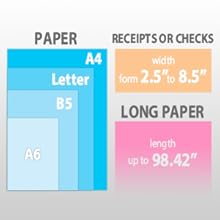
Scan Applicable Paper Size
Easily scan stacks of paper robust 50 pages Auto Document Feeder;
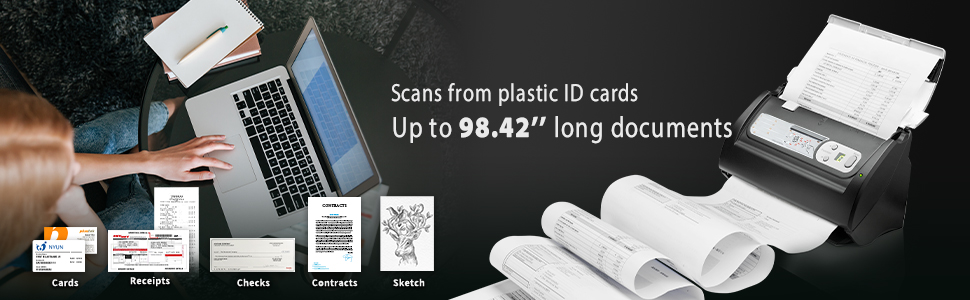
Acceptable paper size up to 8.5”(W) x 98.42”(L), scan with receipt, business card, regular document and longer document.
Customizable Button Scanning Brings You The Most Efficient Way to Scan Files
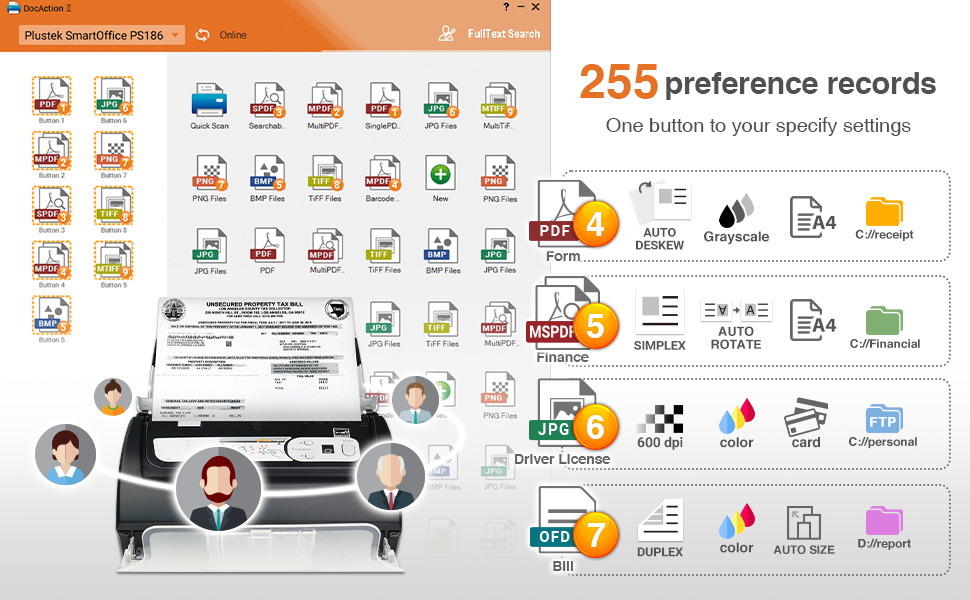
- Self-configured scan button : Allow you to pre-settings, including file format, color mode, saving destination and more, create your favorite button based on different document or needs.
- Make the archiving more flexible : Save as the most common file format at a click, such as OFD, TXT, JPG, PDF, Multi-PDF, you can also save the scanned document to FTP or shared folders.
- 3-Step Scan: Simplify scanning process: Pre-set button, Click and Save! Complete document archiving and sharing easily, reduce the file retrieval time and human resource.
Search and Retrieve Scanned Documents EASILY
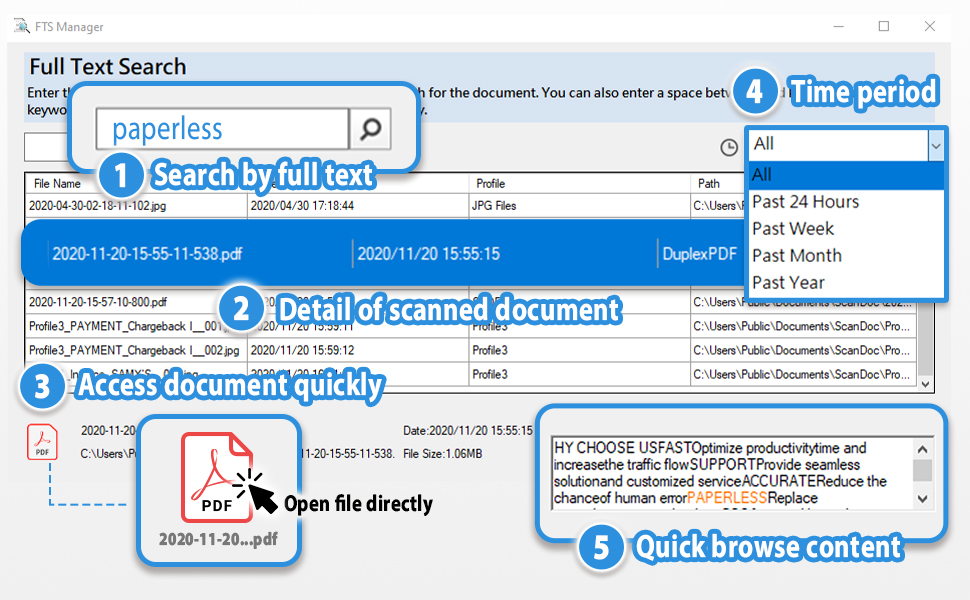
- Search at ease: With built-in FTS Manager, you can search file by any words in the content, or search by filename, no more re-scanned and retrieve files easily.
- Simple to use database: Plustek provides a user-friendly document database, record all scanned document with its scan method, date, filename, location and content, make working process smoothly and fully implement scanned files.
- Quick Access: With our document database, you can double click the file and open the file without finding its location, create a smart work space and be more efficiency.
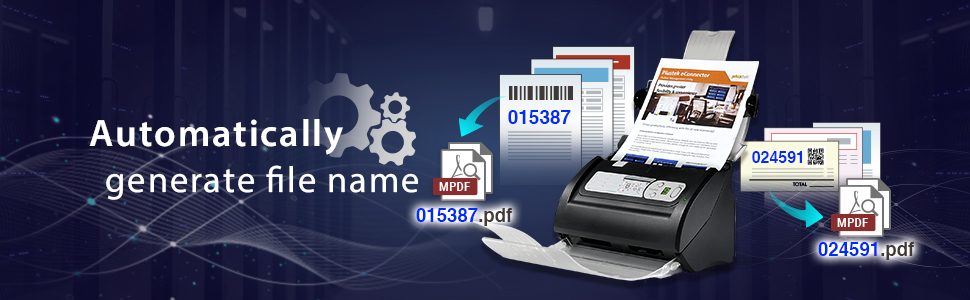
- Intelligent adding keyword to your filename: After scanning, you can crop any word in the document as a keyword and add to your filename, get your document more organized and reduce the searching time.
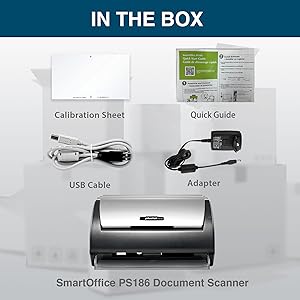
What's in the box
1. PS186 Document Scanner
2. power adapter 100~240V input, 24V 0.75A output
3. USB cable (Type A to B)
4. Color Calibration sheet
5. Quick Start Guide ( include scanner driver download link)
- Up to 255 customize favorite scan file setting with "Single Touch" , Support Windows 7/8/10
- Turn paper documents into searchable, editable files - save scans as searchable PDF files; OCR function included
- Info Barcode function - automatic categorization of complicate documentation and data with 1D or 2D Barcode page.
- Intelligent color and image adjustments — Auto Rotate, Crop, Deskew and blank page remove with Plustek Image Processing Technology
- Easy send scanned files to FTP server or personal NAS (FTP) with PDFs , Jpeg , TIFF or Png format. User can download scanner driver from Plustek website
| Scanner Type | Document |
| Brand | plustek |
| Model Name | PS186 |
| Connectivity Technology | USB |
| Product Dimensions | 5.02"D x 10.36"W x 5.83"H |
| Resolution | 600 |
| Item Weight | 3.66 Pounds |
| Wattage | 18 watts |
| Color Depth | 24 bpp |
| Standard Sheet Capacity | 50 |