
XPPen Updated Deco 01 V3 Drawing Tablet, 16384 Pressure Sensitivity, 8 Custom Shortcuts, 220 Report Rate for OSU Drawing Pad, Remote Teaching & Animation, Compatible with Android, Windows, macOS
Black
$69.81
Sale price
$69.81
Regular price
$69.81
Skip to product information


XPPen Updated Deco 01 V3 Drawing Tablet, 16384 Pressure Sensitivity, 8 Custom Shortcuts, 220 Report Rate for OSU Drawing Pad, Remote Teaching & Animation, Compatible with Android, Windows, macOS
$69.81
Sale price
$69.81
Regular price
$69.81



16,384 Pressure Levels
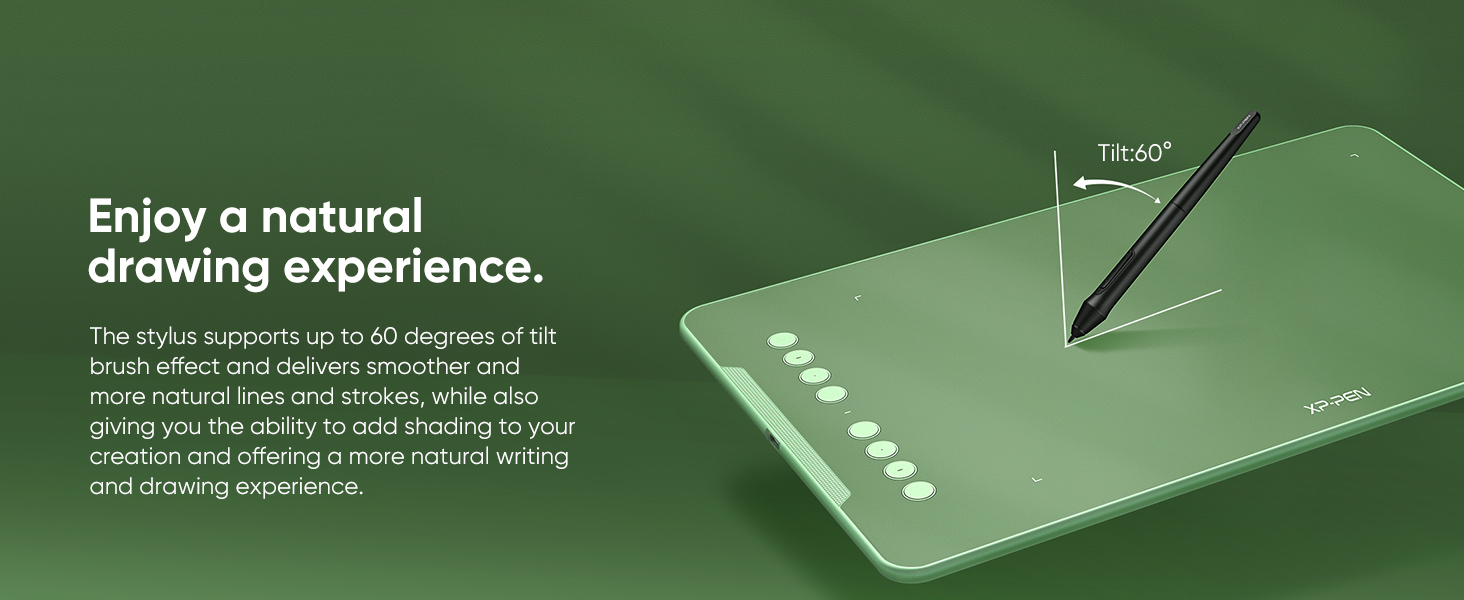
The upgraded X3 Smart Chip stylus (industry-leading innovation) delivers 16,384 pressure levels and 60° tilt support.
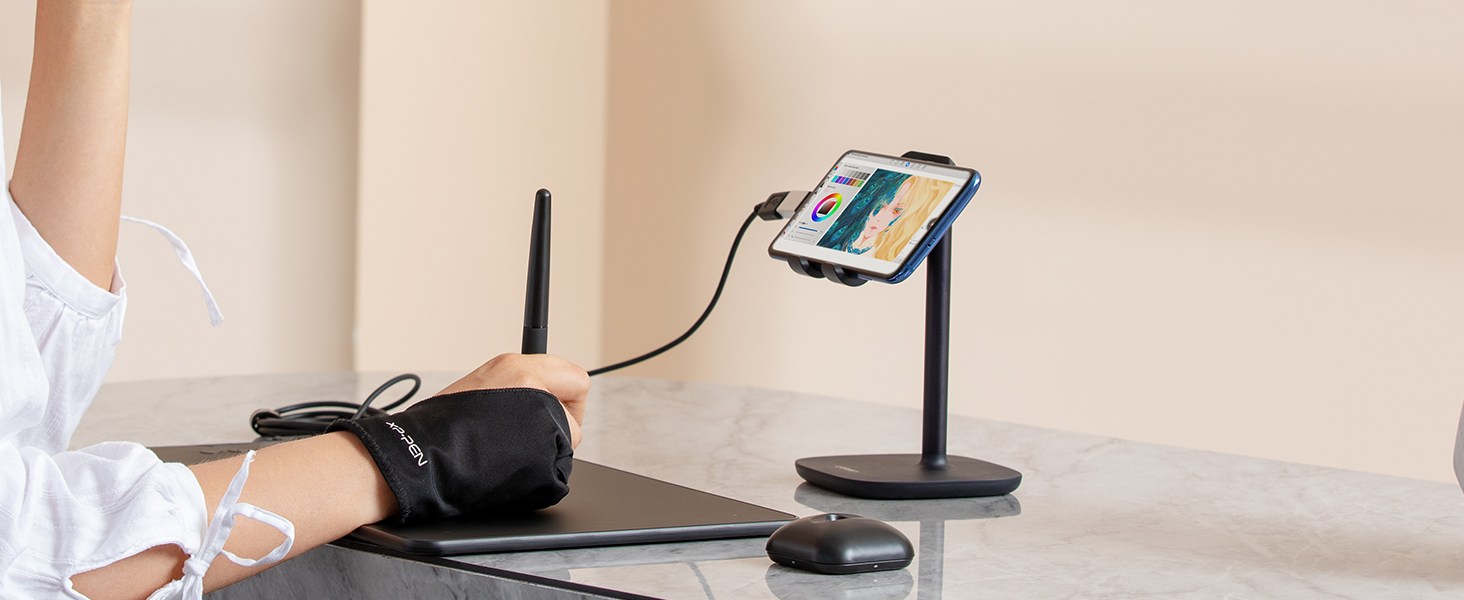
Work with Android
The XPPen Deco 01 V3 supports connections with Android devices 6.0 and above.
8 Customizable Shortcuts
The Deco features eight, round, customizable express keys that fit easily to your fingertips.
Wide Compatibility
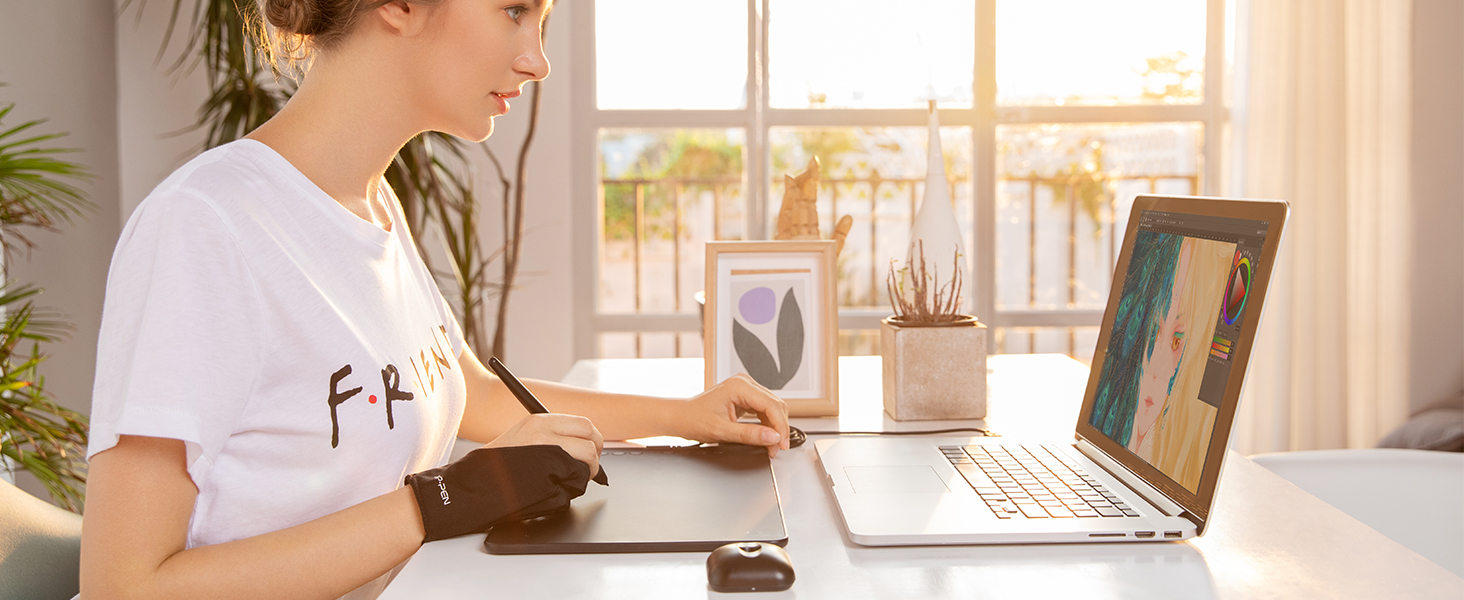
Working with most major software including: ibis Paint X, FlipaClip, Medibang, Autodesk Sketchbook, Zenbrush and Artrage, etc.,
- Industry-leading: The upgraded X3 Smart Chip stylus (industry-leading innovation) delivers 16,384 pressure levels and 60° tilt support, solving traditional tablet lag and stroke distortion. Perfect for digital artists transitioning from paper to digital, allowing natural shading like charcoal/pencil without tech barriers
- Beginner-Friendly Design: Ambidextrous layout with programmable keys reduces 40% menu navigation timen, ideal for students and hobbyists juggling multiple design apps
- Optimized for Android Devices: Seamlessly connects to Android Phone/Android tablets via USB-C (includes aspect ratio adjustment). We recommend downloading the XPPen Tools app to adjust your smartphone's screen aspect ratio for precise mapping, accommodating various screen sizes in portrait mode
- 10" Active Area – 20% Larger Than Entry-Level drawing tablet: Generous 6.25x10" workspace eliminates hand-cramping for manga/anime creators, with edge-backlit surface enabling nighttime sketching sessions
- Zero Charging Hassles & On-the-Go Portability: Battery-free pen + 8mm ultra-slim body (lighter than iPad) solves beginners' "forgot to charge" anxiety. Fits in school backpacks for dorm-to-studio mobility
- Versatile Compatibility: The Deco 01 V3 is compatible with a wide range of operating systems, including Windows 7 and later, Android 10.0 and above, macOS 10.13 and newer, Chrome OS 88 and later, as well as Linux. It also works with popular design software such as Photoshop, Corel Painter, Illustrator, and Clip Studio. *Ensure your Windows is updated to version 11 or your Mac to version 12 for optimal performance
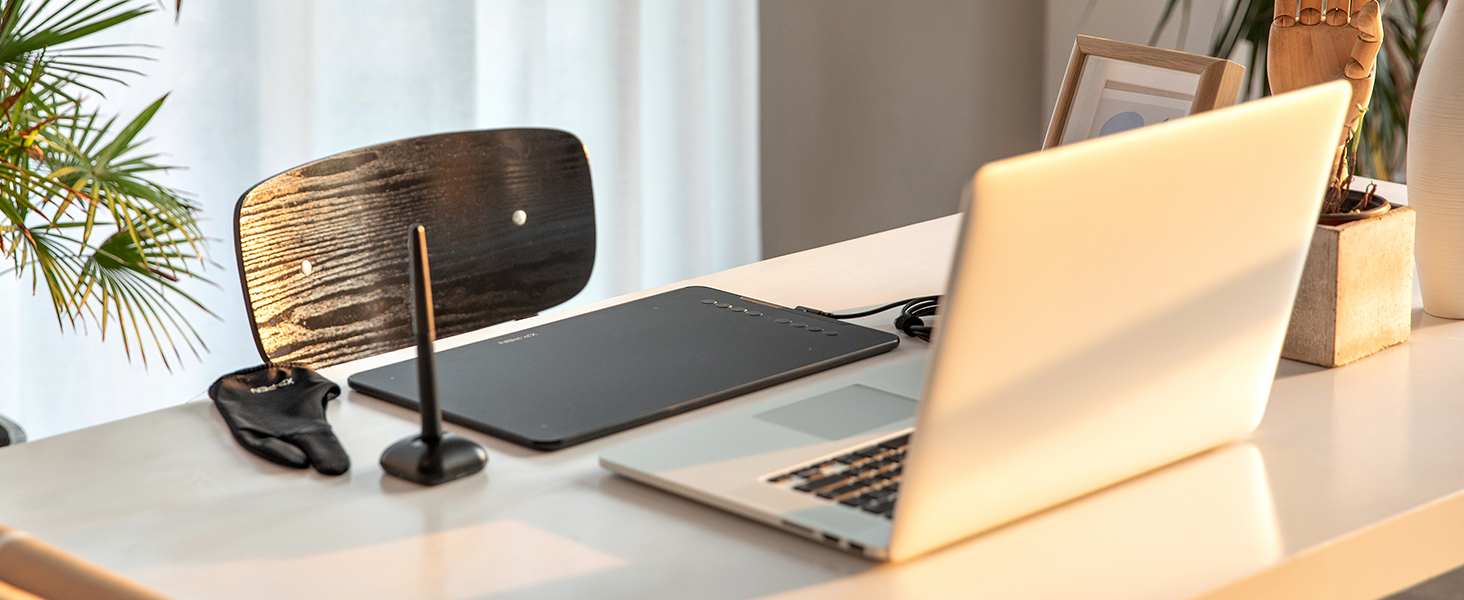
- Included Accessories: Your purchase includes: 1 x Deco 01 V3 Drawing Tablet, 1 x Stylus, 10 x Nibs, 1 x Stylus Stand, 1 x Glove, 1 x Protective Film, 1 x USB-C to USB-A Cable, 1 x USB to USB-C Adapter
| Brand | XP-Pen |
| Connectivity Technology | USB |
| Pressure Sensitivity | 8192 Levels |
| Operating System | Windows, Android, Linux, Chrome OS, Mac |
| Special Feature | 10" Active Area – 20% Larger Than Entry-Level drawing tablet, 16,384 pen pressure levels, 220 Report Rate for OSU, 60 degrees of tilt, 8 Custom Shortcuts See more |